

SumSheet examples
Twenty-three small projects: from a minimal sheet to a million rows, collaborative work, and links between workbooks.
Every example is a small working application, open right on the page: what the sheet can do and how it behaves inside someone else’s interface. The core does not compute in them — a stand-in does — so the numbers in the cells mean nothing: watch the behaviour. A real core with real recalculation is in the live example.
It’s worth going through them in order: the first ones answer “how much do I need to write to get a sheet”, then come individual capabilities, and at the end, edge cases like a million rows and running without a screen.
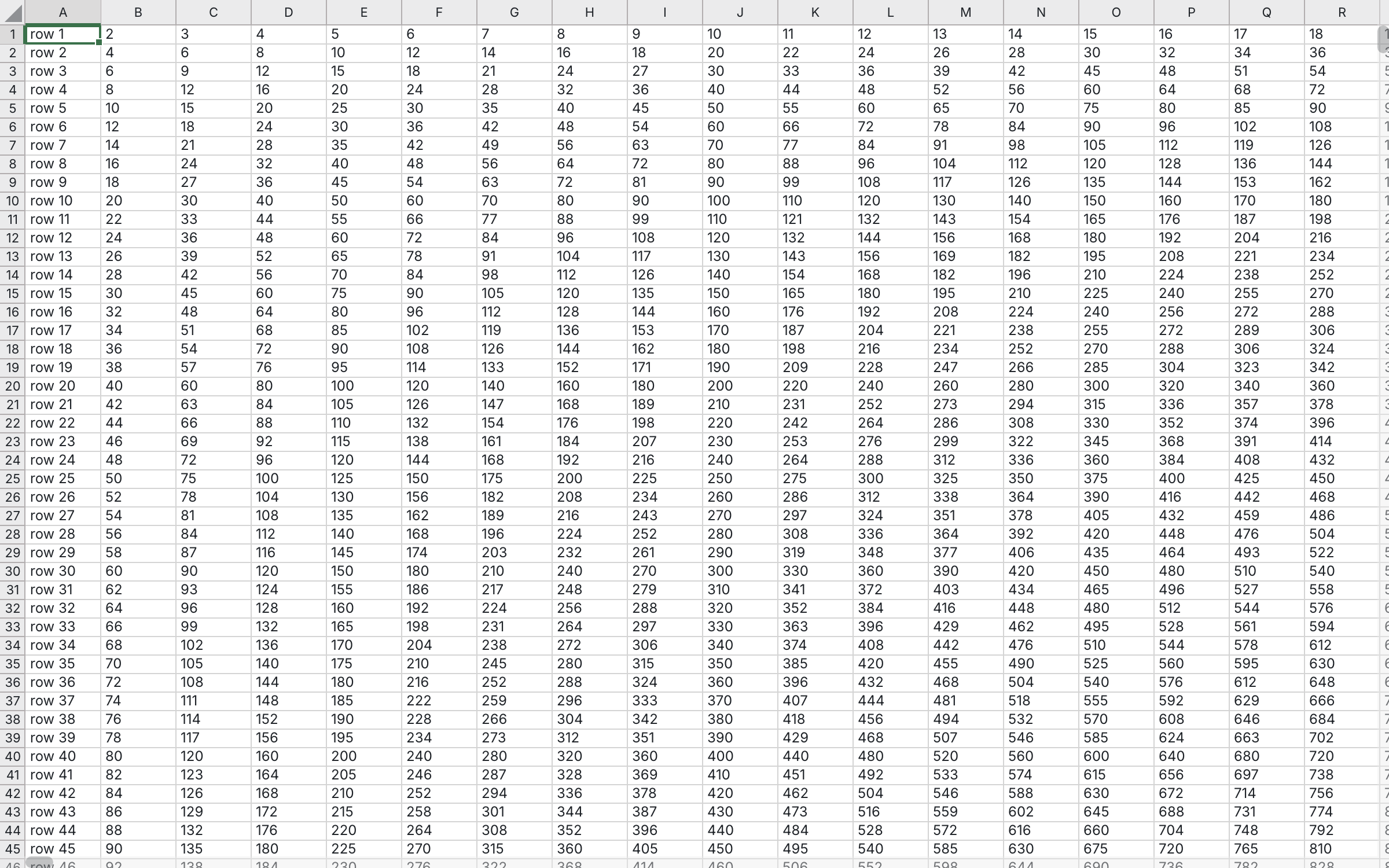 Minimal sheethow many lines it takes to get a working sheet
 Sheet with the ribbonhow to add our ribbon if you need it
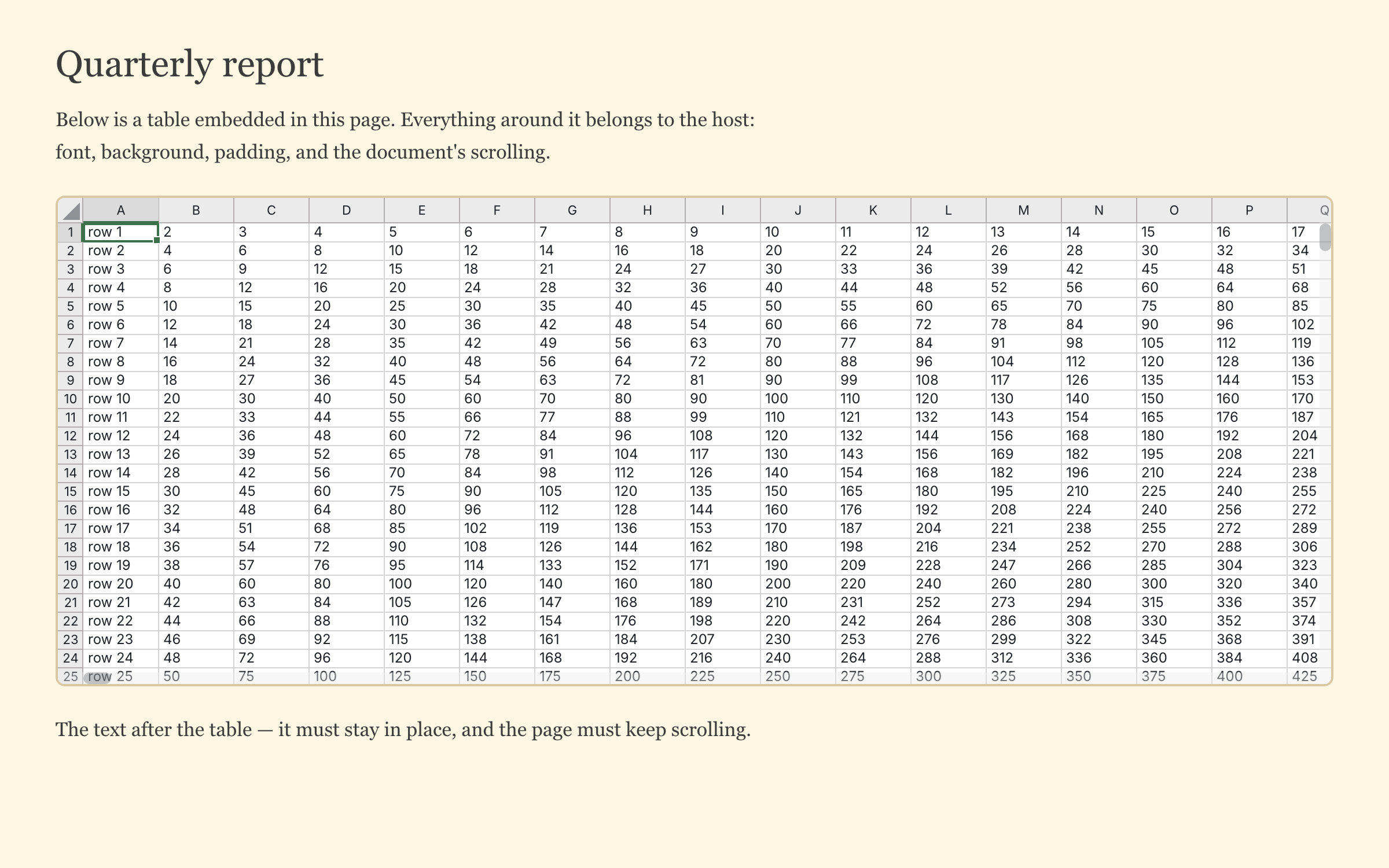 Embedding into a third-party pagewhat happens to the host page around the sheet: its font, background and scrolling
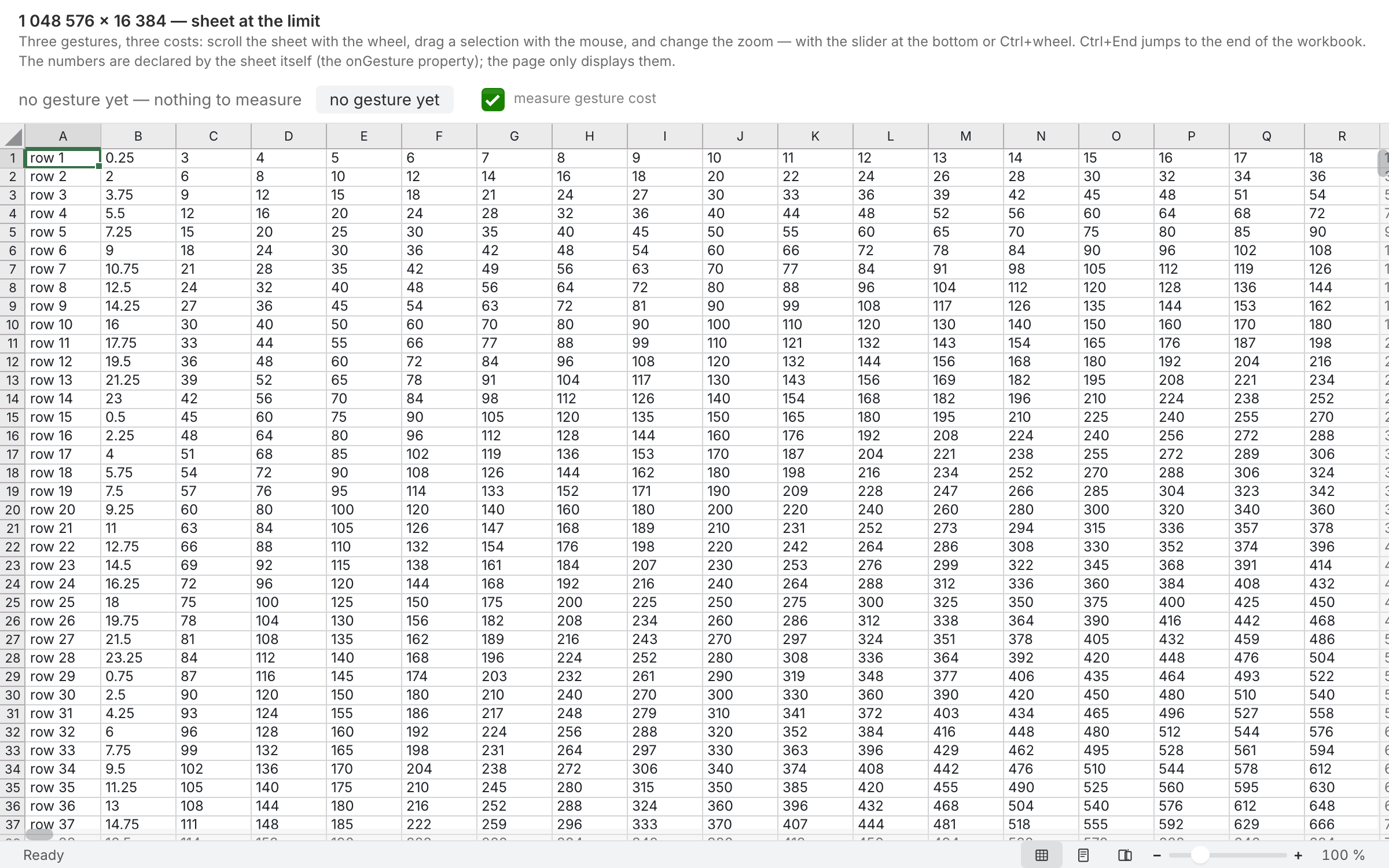 A million rowsthe cost of three gestures on a workbook at the limit — scrolling, fill-dragging and zooming: p50 and p95 frame times and calls to the core as numbers, not promises
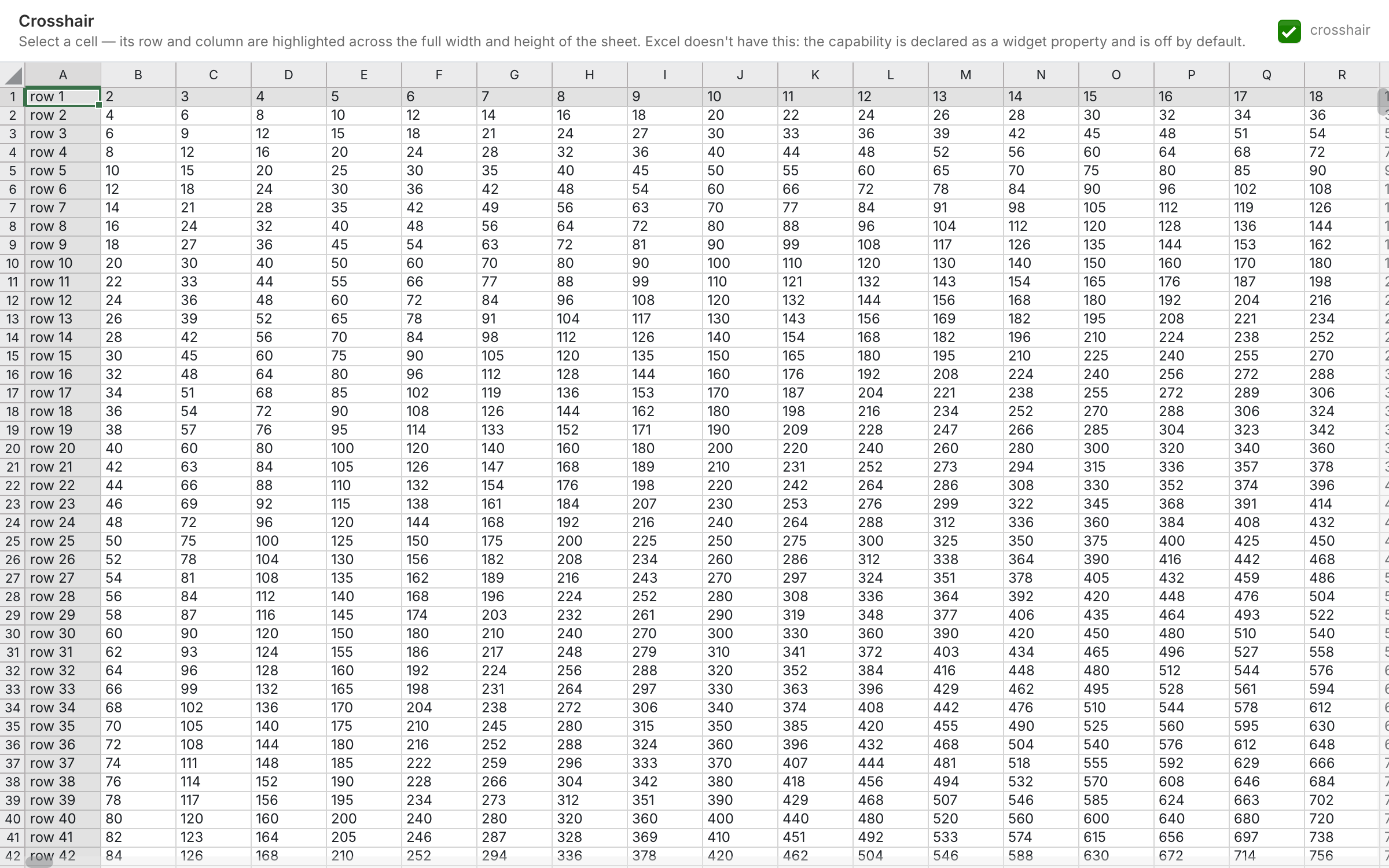 Crosshairhighlighting the row and column of the active cell: off by default, enabled with a property
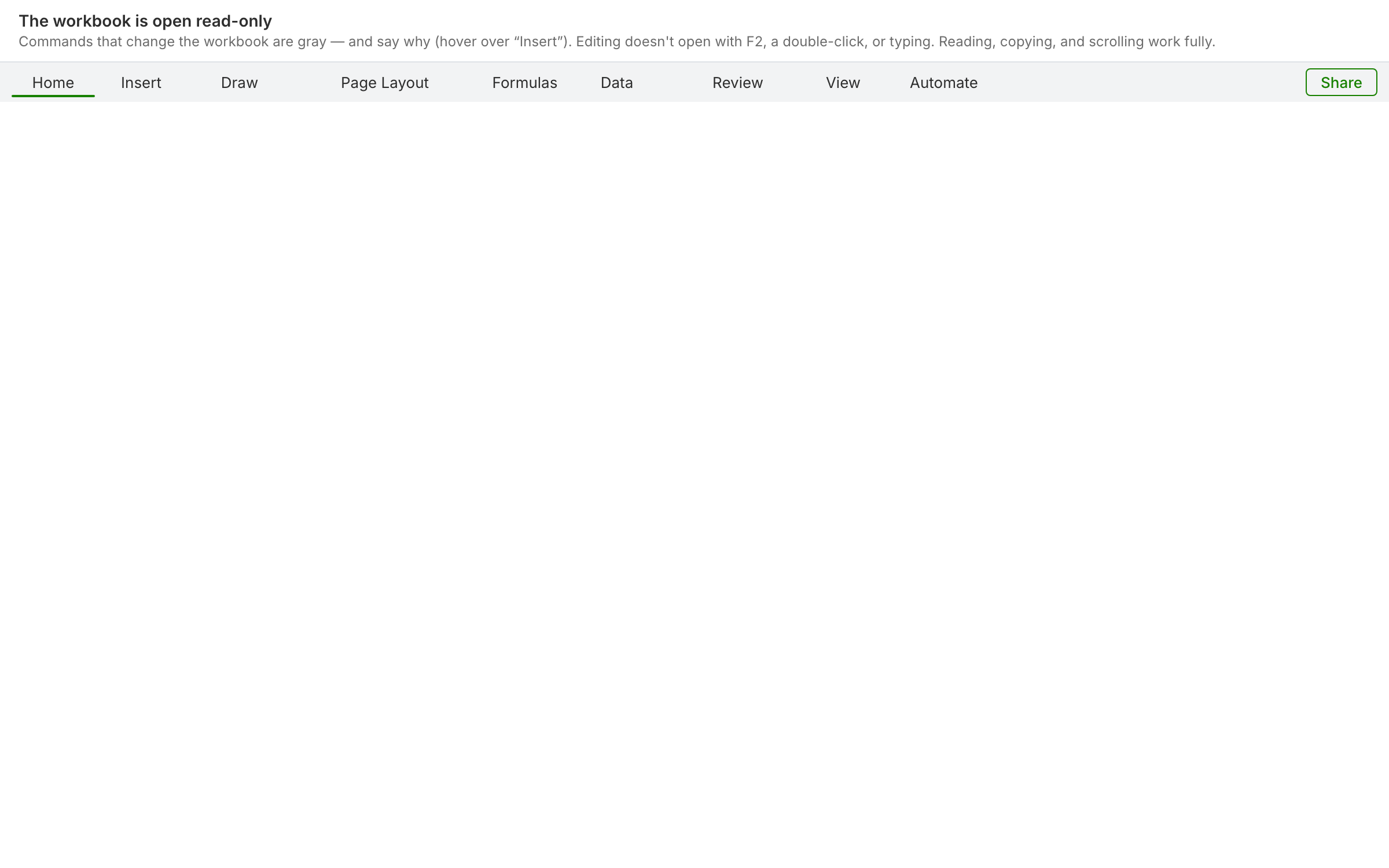 Read-onlythe workbook is visible but cannot be edited: commands are grayed out with a reason rather than hidden, and editing never starts at all
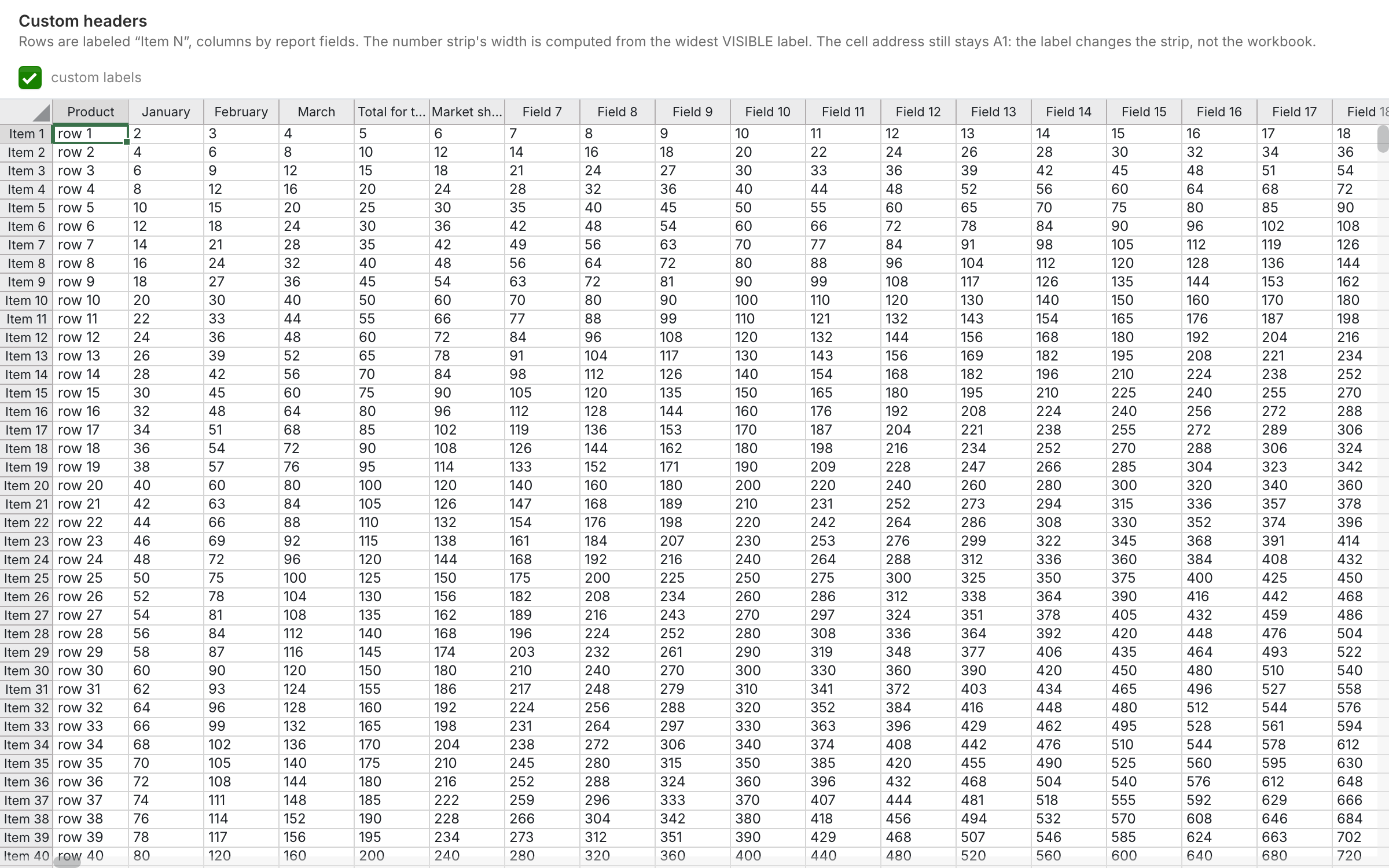 Custom headersthe integrator sets the row and column labels, and the header strip width is computed from that text
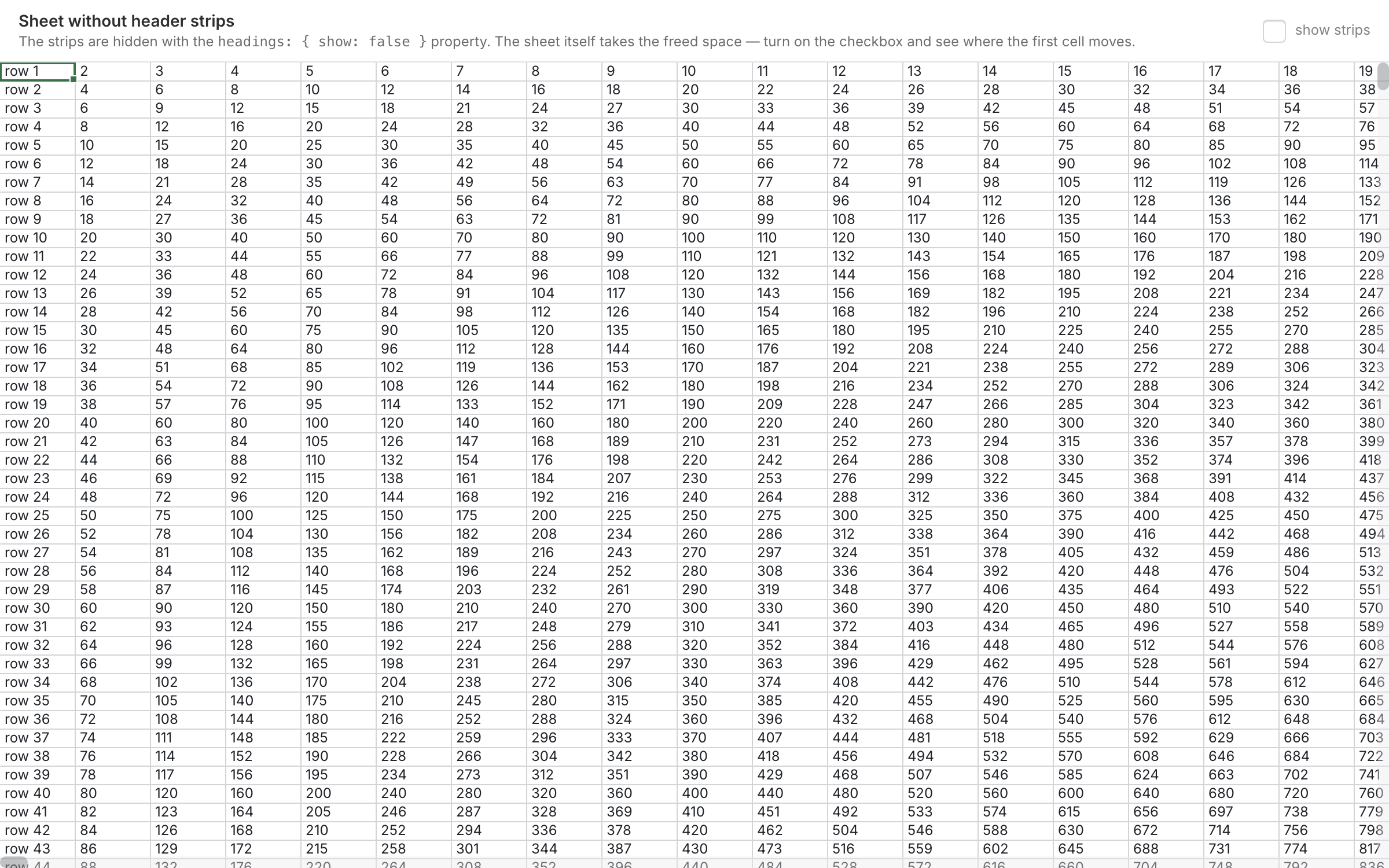 Sheet without header stripsthe strips are hidden with a single property, and the sheet itself takes the freed space
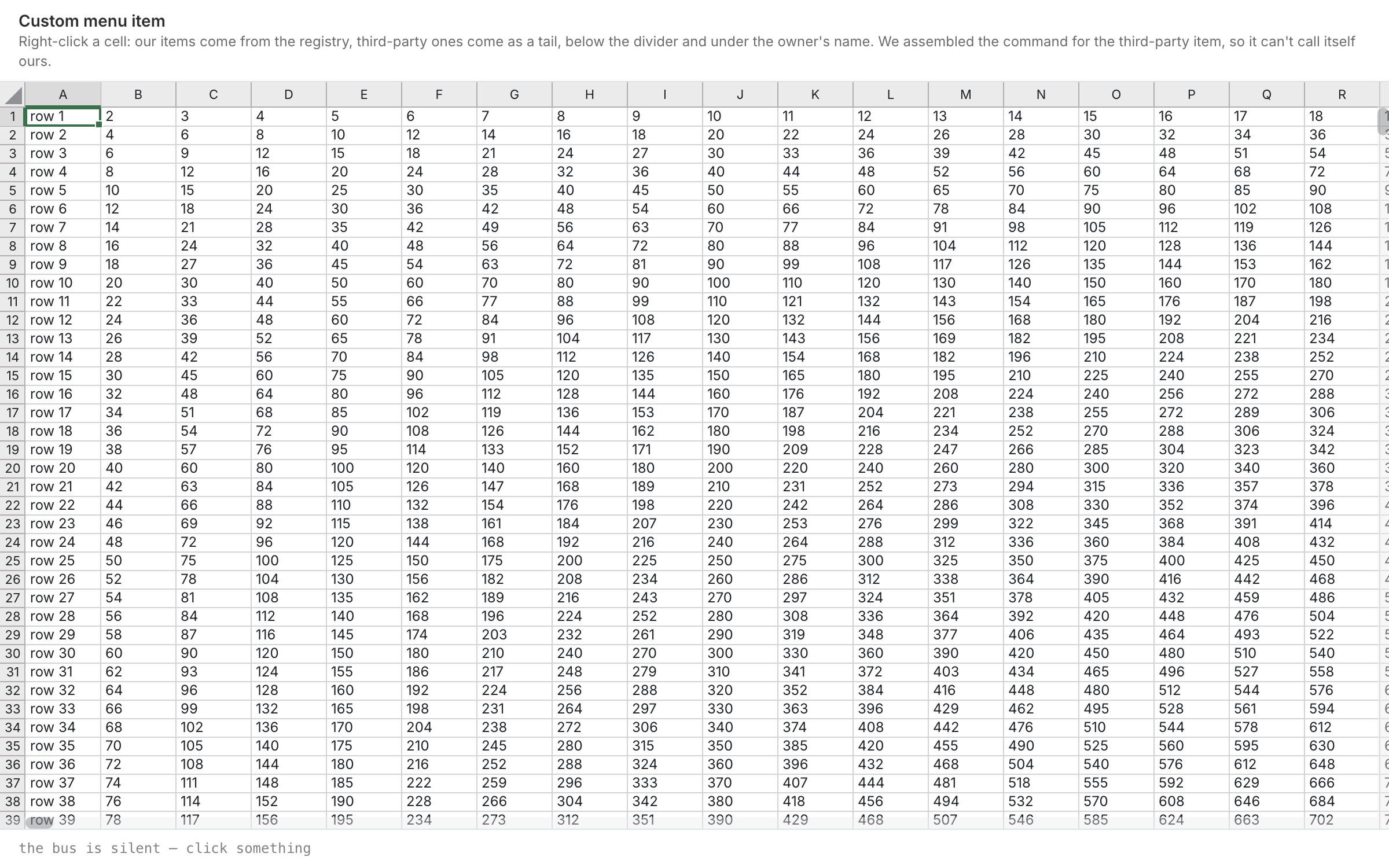 Custom menu itema third-party item in our menu: below the divider, under its owner’s name and with its own command — it cannot pass itself off as ours
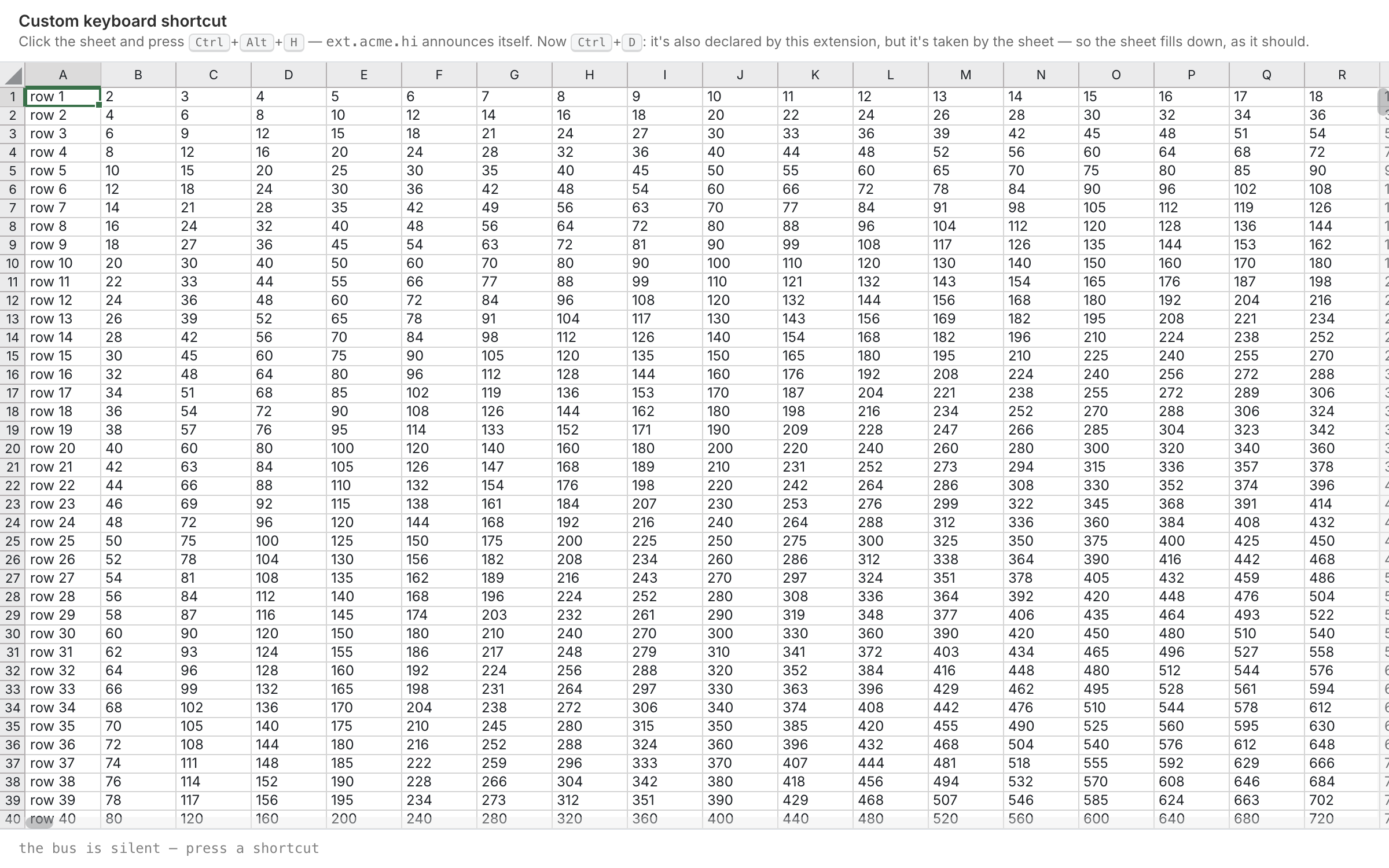 Custom keyboard shortcutthe third-party shortcut fires, while the ones taken by the sheet (Ctrl+D, Ctrl+R, F2, Shift+Space) stay with the sheet — the refusal is visible in words
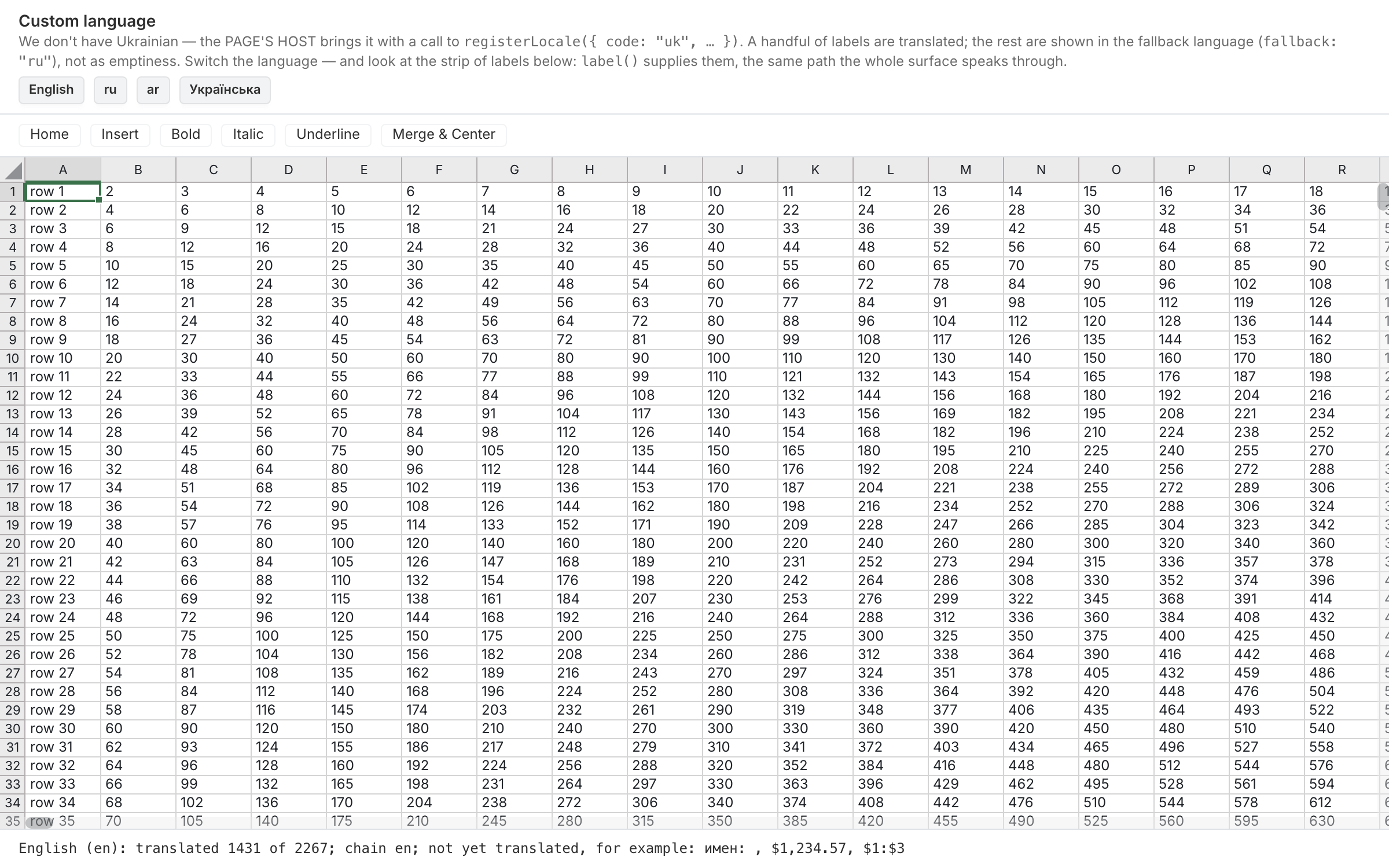 Custom languagea language that is not among our three is brought by the page owner: labels are translated, and anything untranslated falls back along a chain instead of disappearing
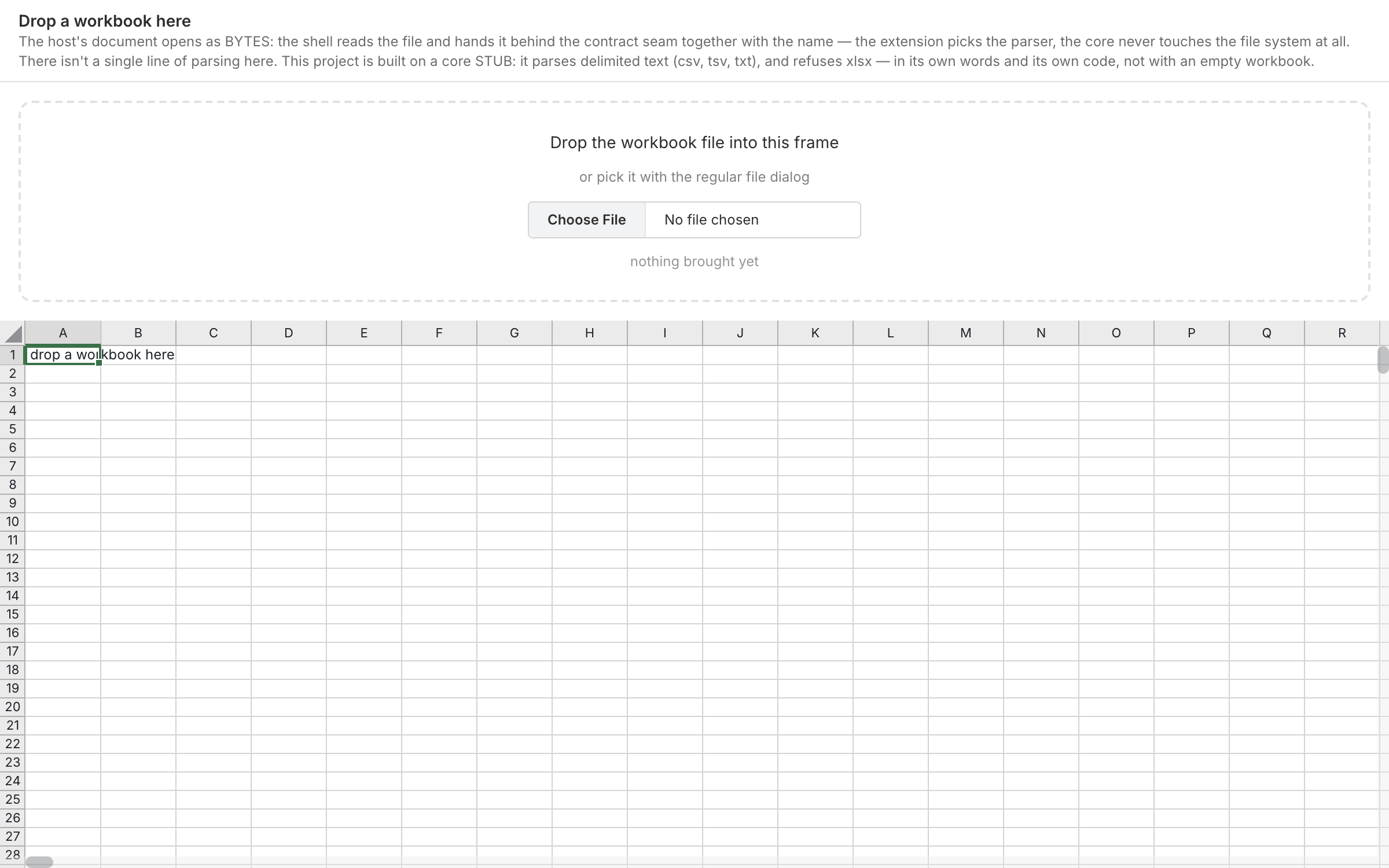 Drop a workbook herea third-party document is opened from bytes: the shell carries the file, parsing stays behind the contract seam, and a refusal comes in the words of whoever opened it — on the showcase this is a stub that takes csv, tsv and txt and honestly refuses xlsx
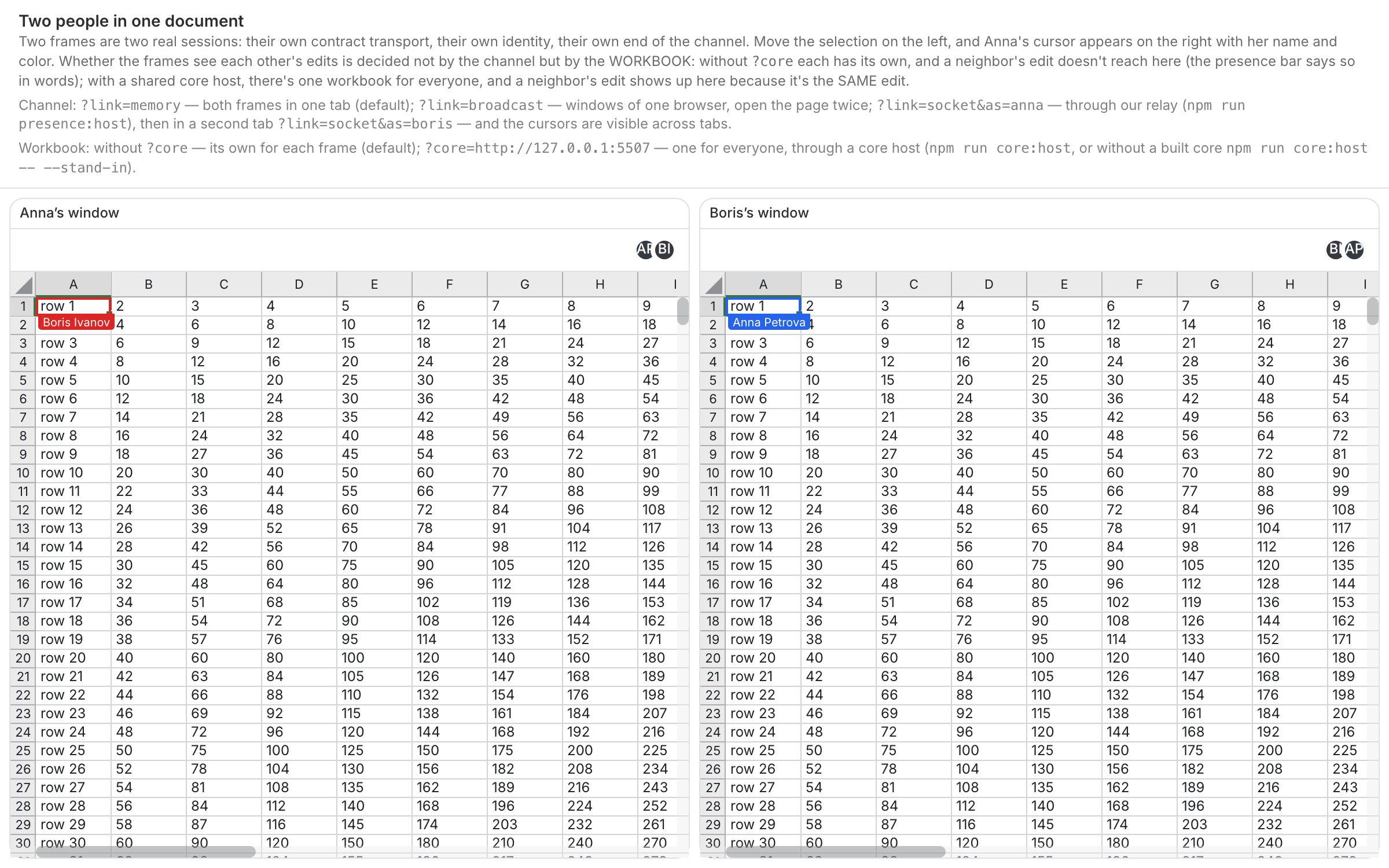 Two people in one documenttwo frames side by side: move the selection in one and the other shows the remote cursor with a name; the screen says plainly that only windows of this browser are visible
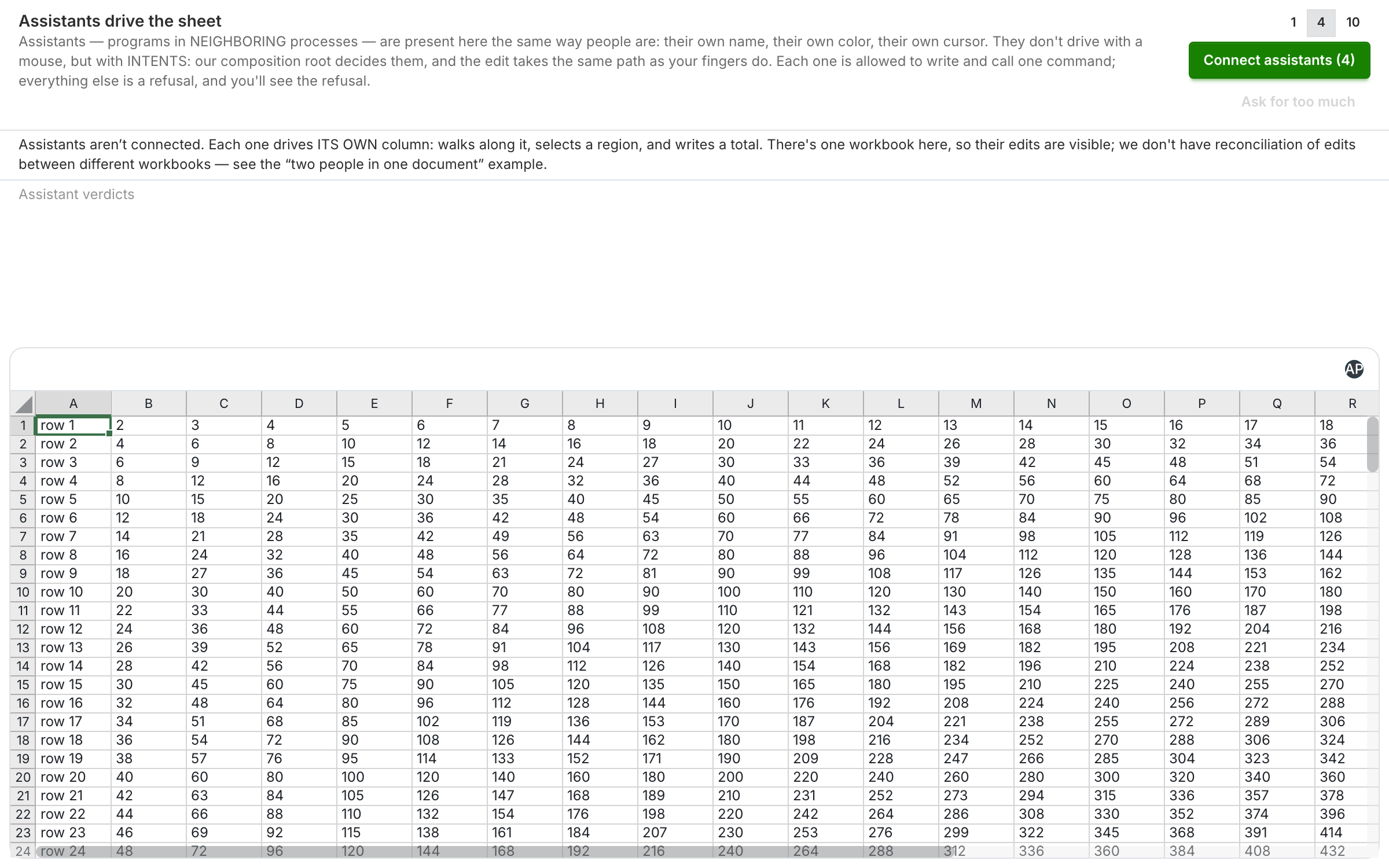 Assistants drive the sheetup to ten external participants, each in its own process: walking its own column, selecting a region and writing in a total — as intents through the same channel; a refusal of anything beyond that is visible both to it and to the person; if they were not started, the page says so
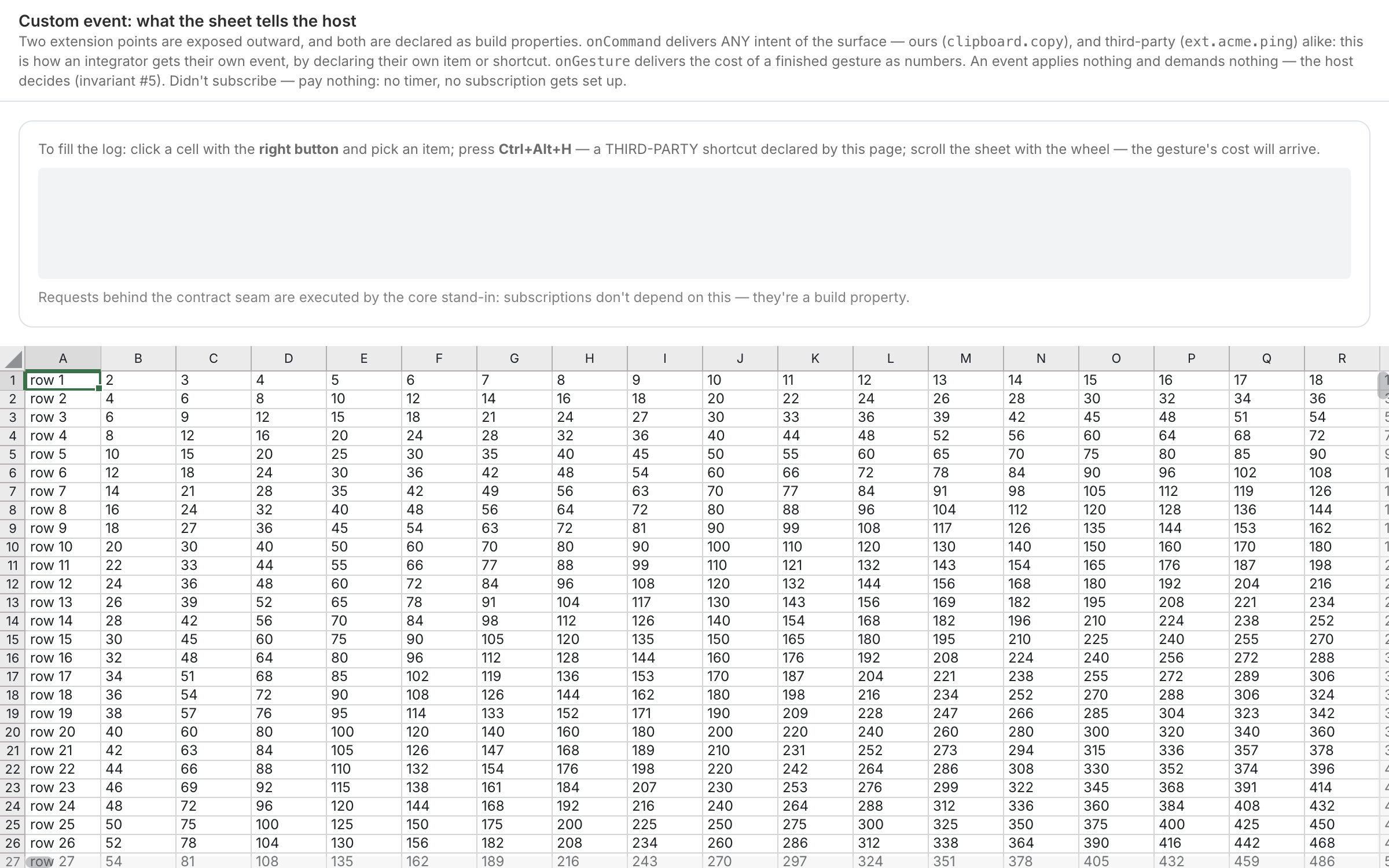 Custom eventtwo outward extension points: onCommand delivers any intent of the surface (ours and third-party), onGesture the cost of a finished gesture as numbers
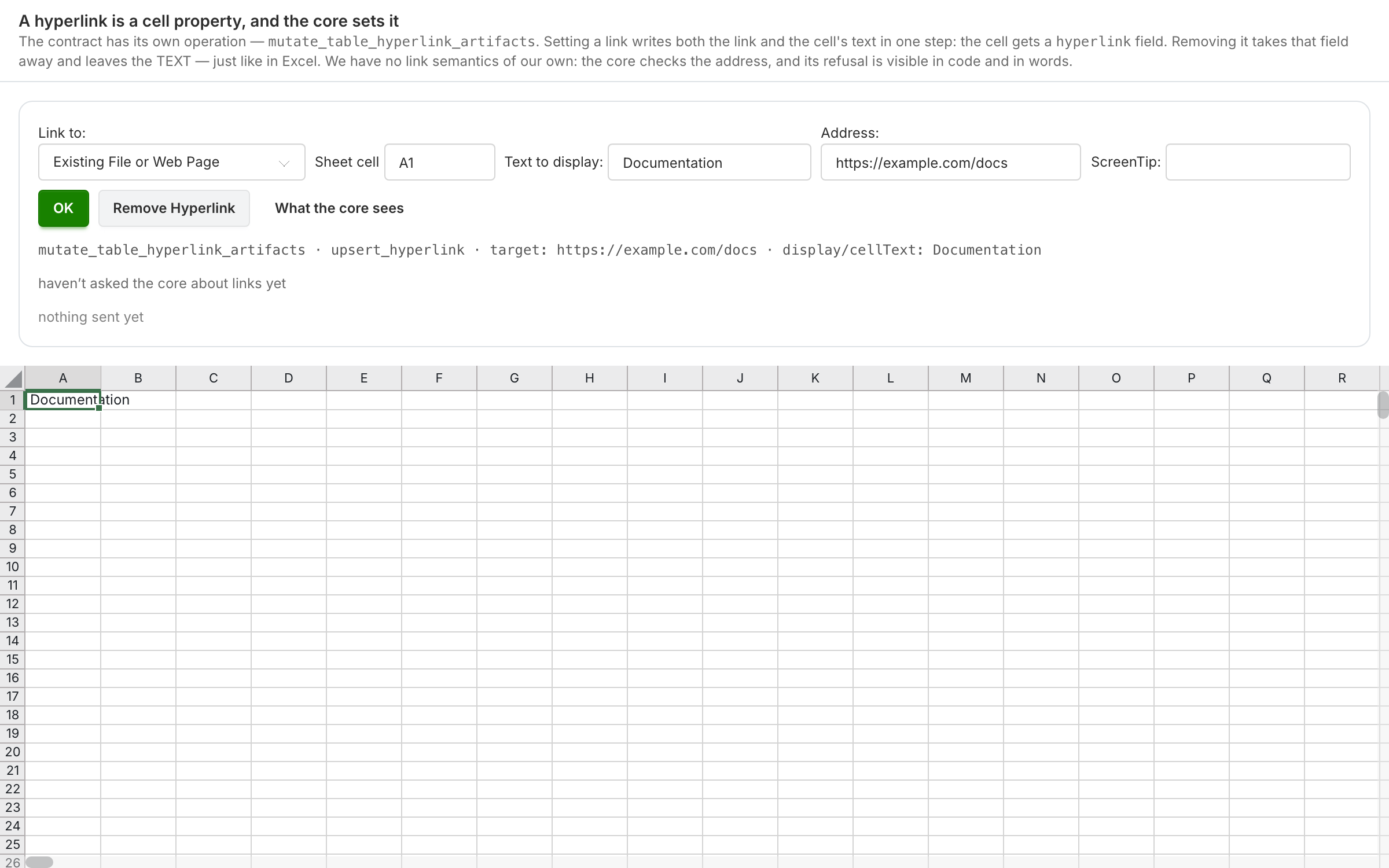 Hyperlinka link is a cell property: one core operation sets it together with the text, removes it leaving the text, and lists the links of the sheet itself
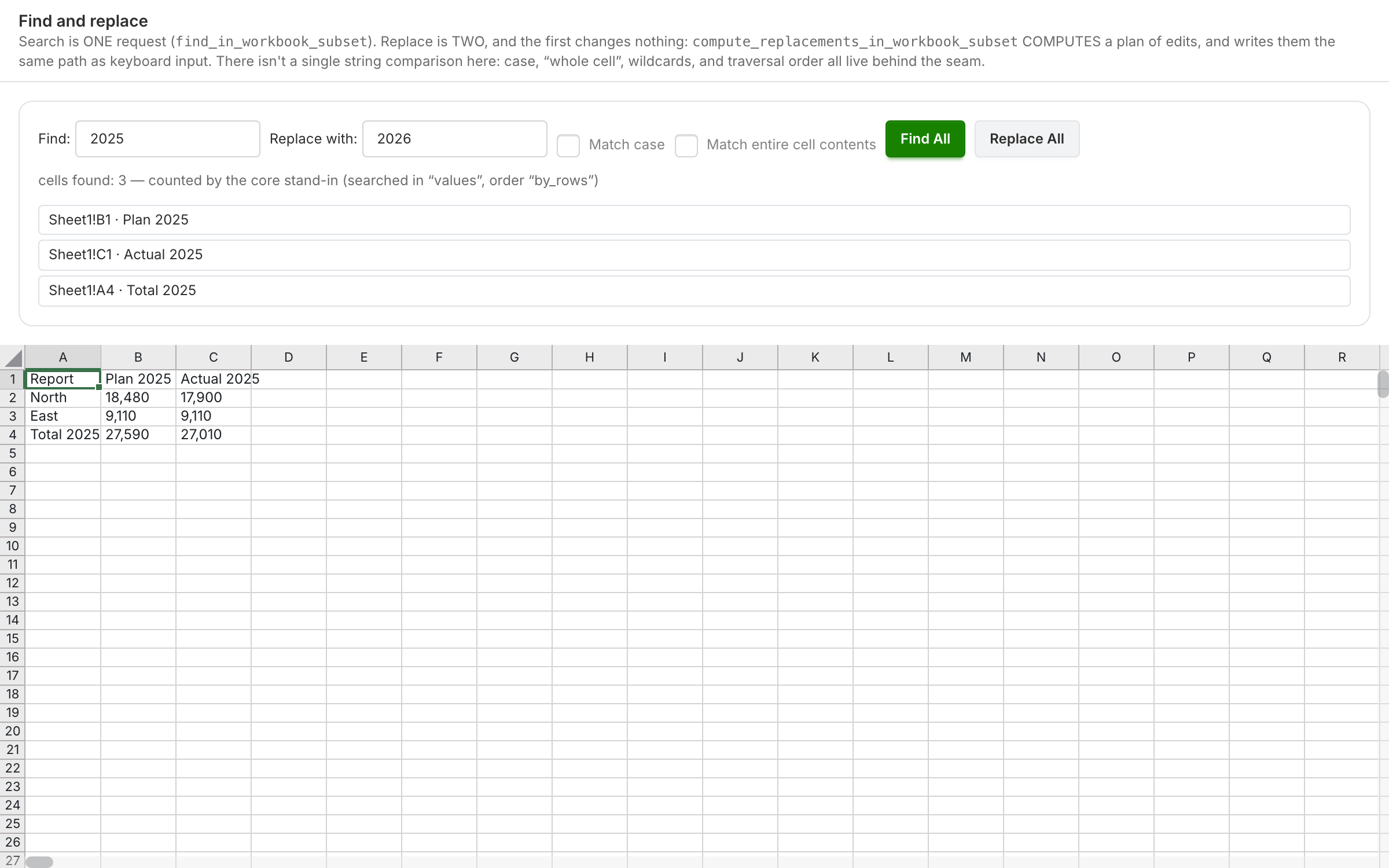 Find and replacesearch is one request, replace is two, and the first does not change the workbook: the core computes a plan of edits, and the same path as typing writes them
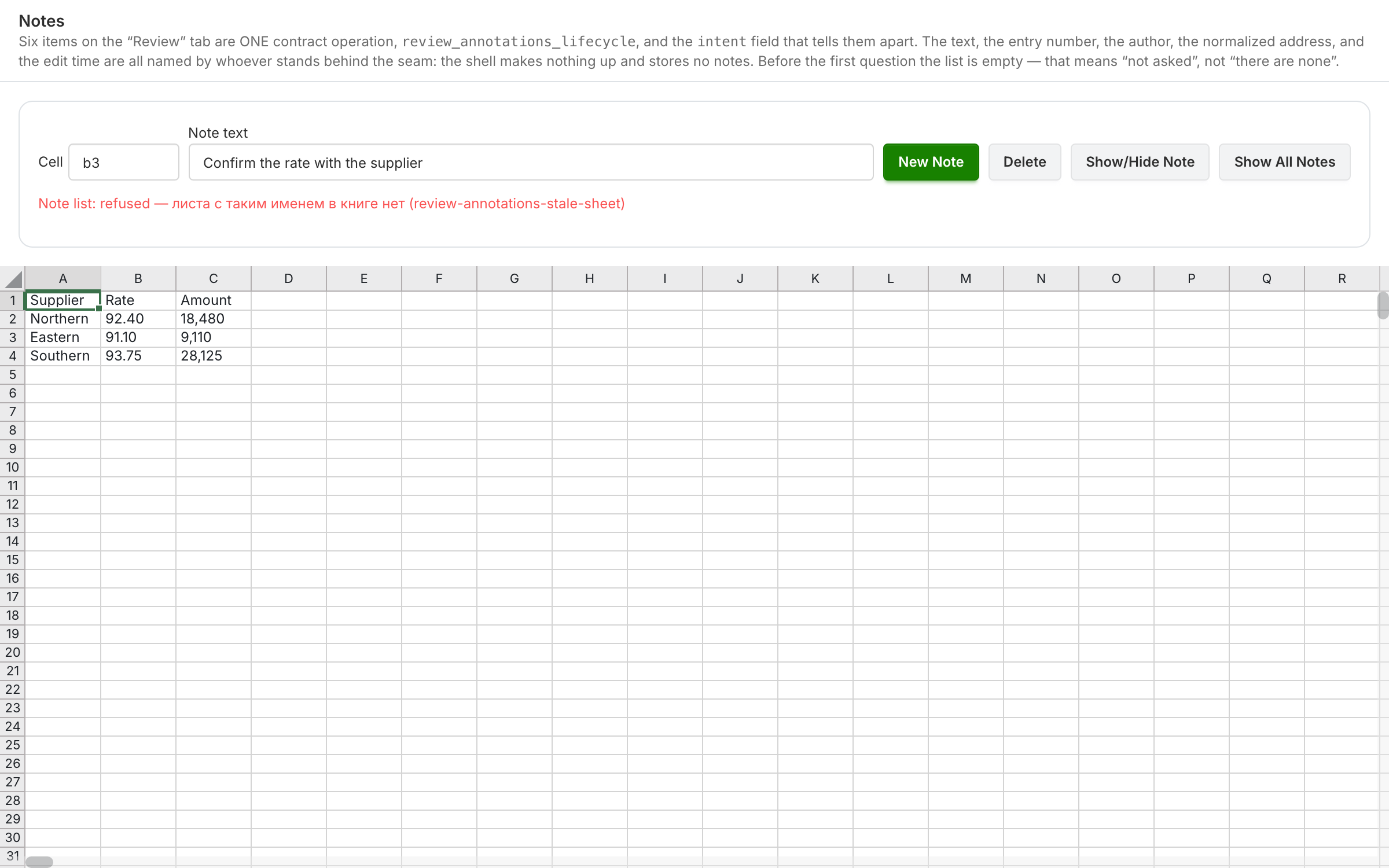 Notessix comment actions through one contract operation — list, create, delete, reply, undo, redo; the core names the text, the number, and the normalized address
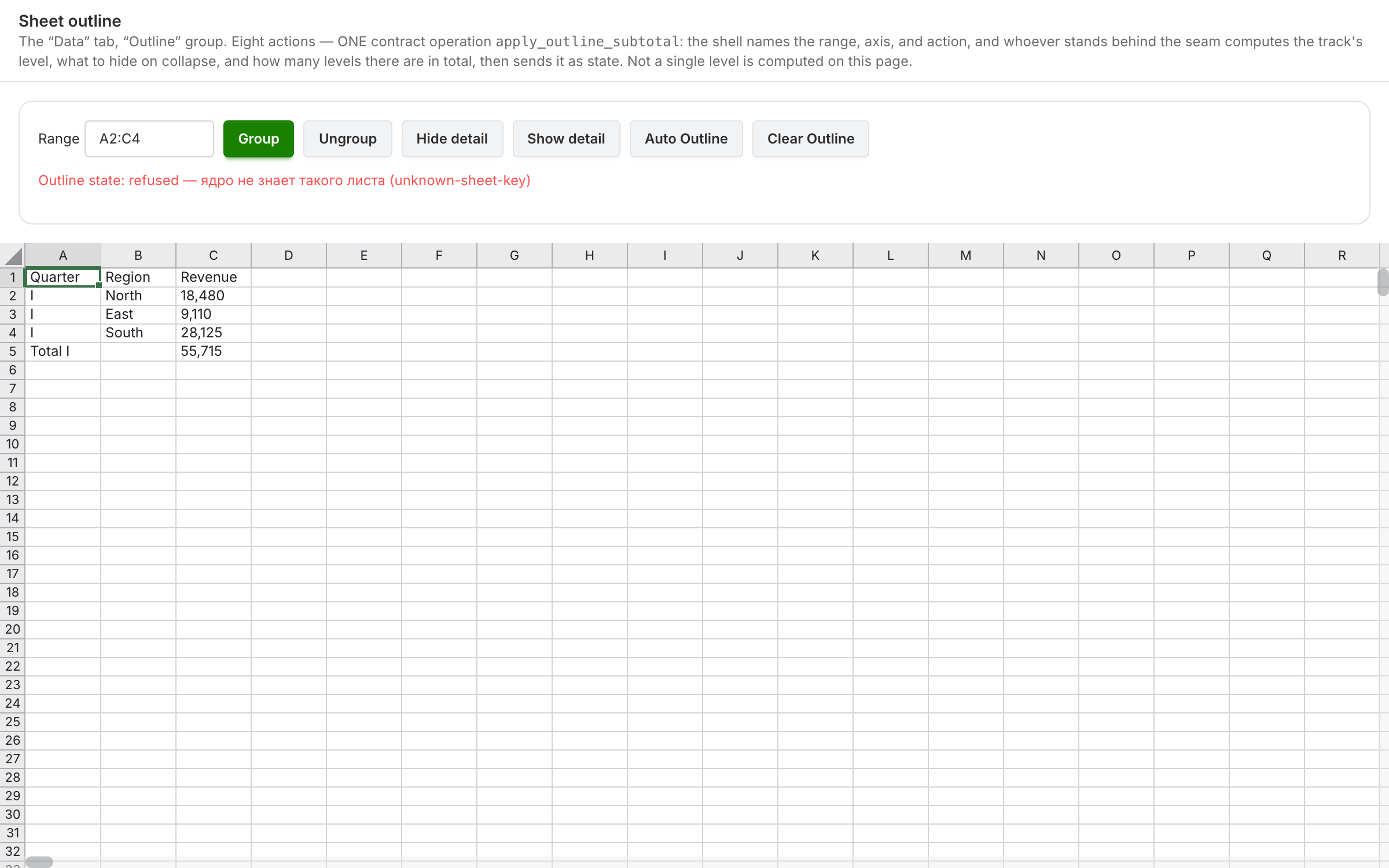 Sheet outlineeight actions — one operation: the shell names the range, axis and action, and the core computes the levels and what to hide
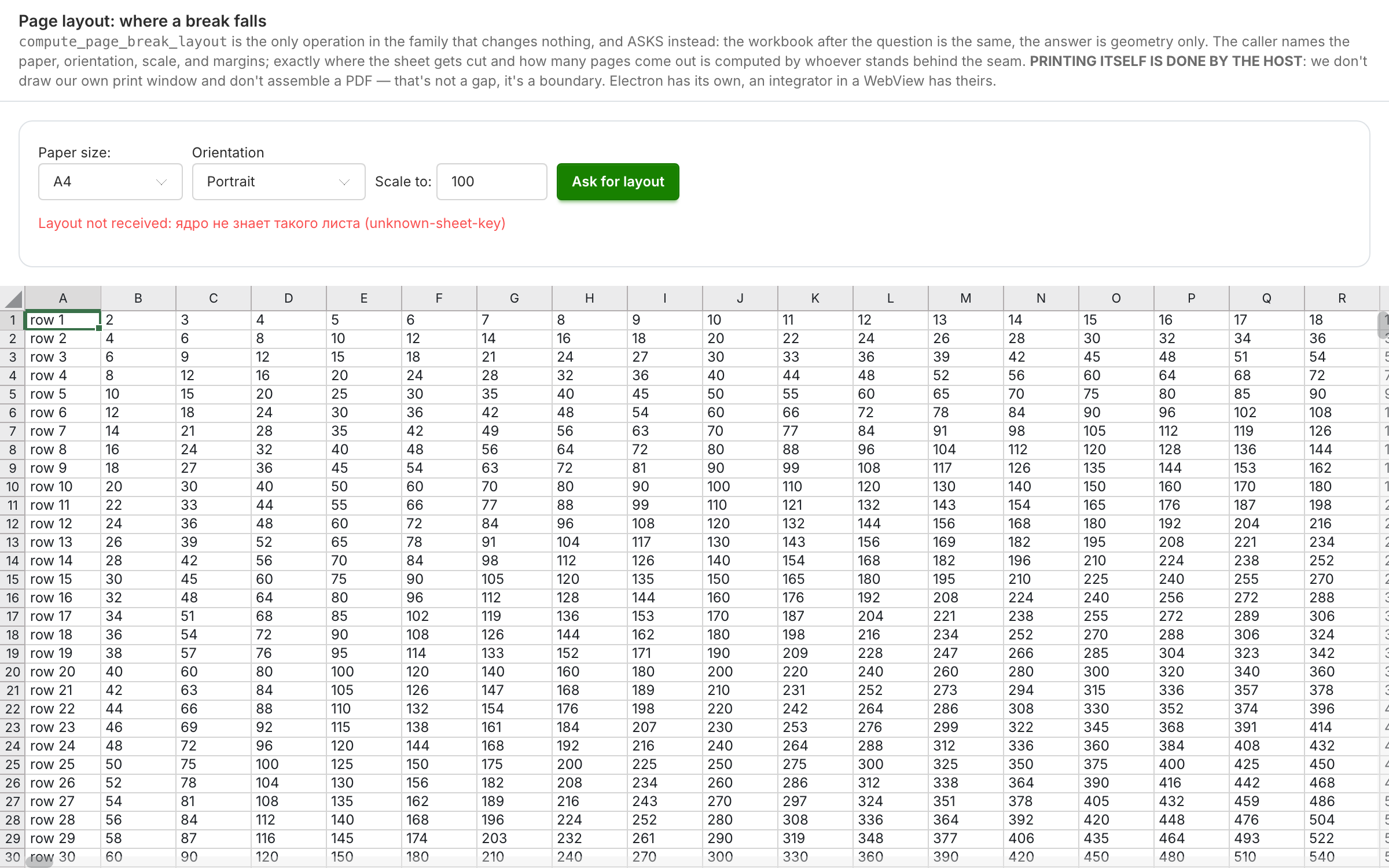 Page layoutwhere a page break falls — the only SDK method that asks and changes nothing; printing itself is done by the host, and that is a boundary, not a gap
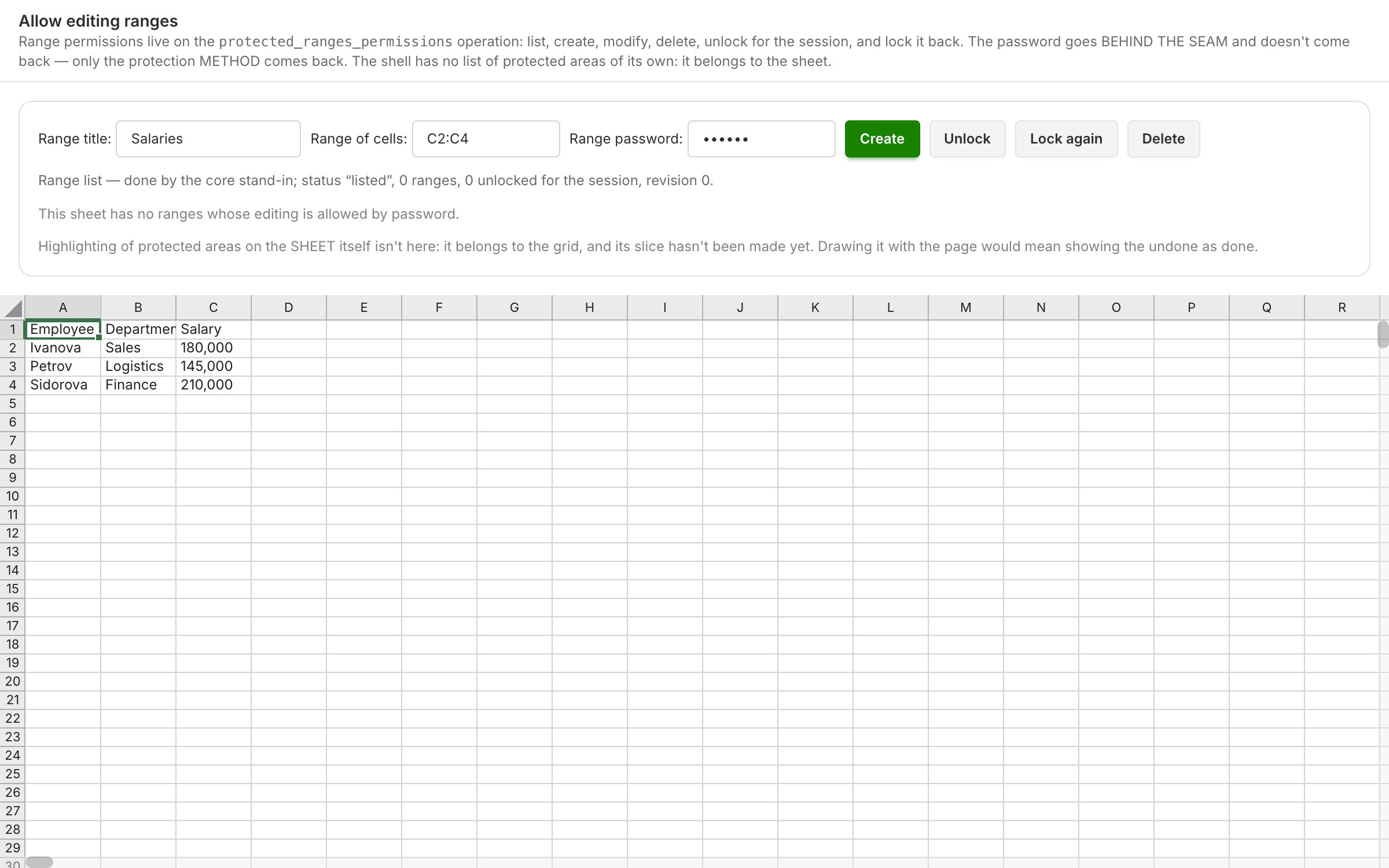 Allow editing rangessix of the ten intents the operation has: the password goes behind the contract seam and never comes back — only the protection method comes back
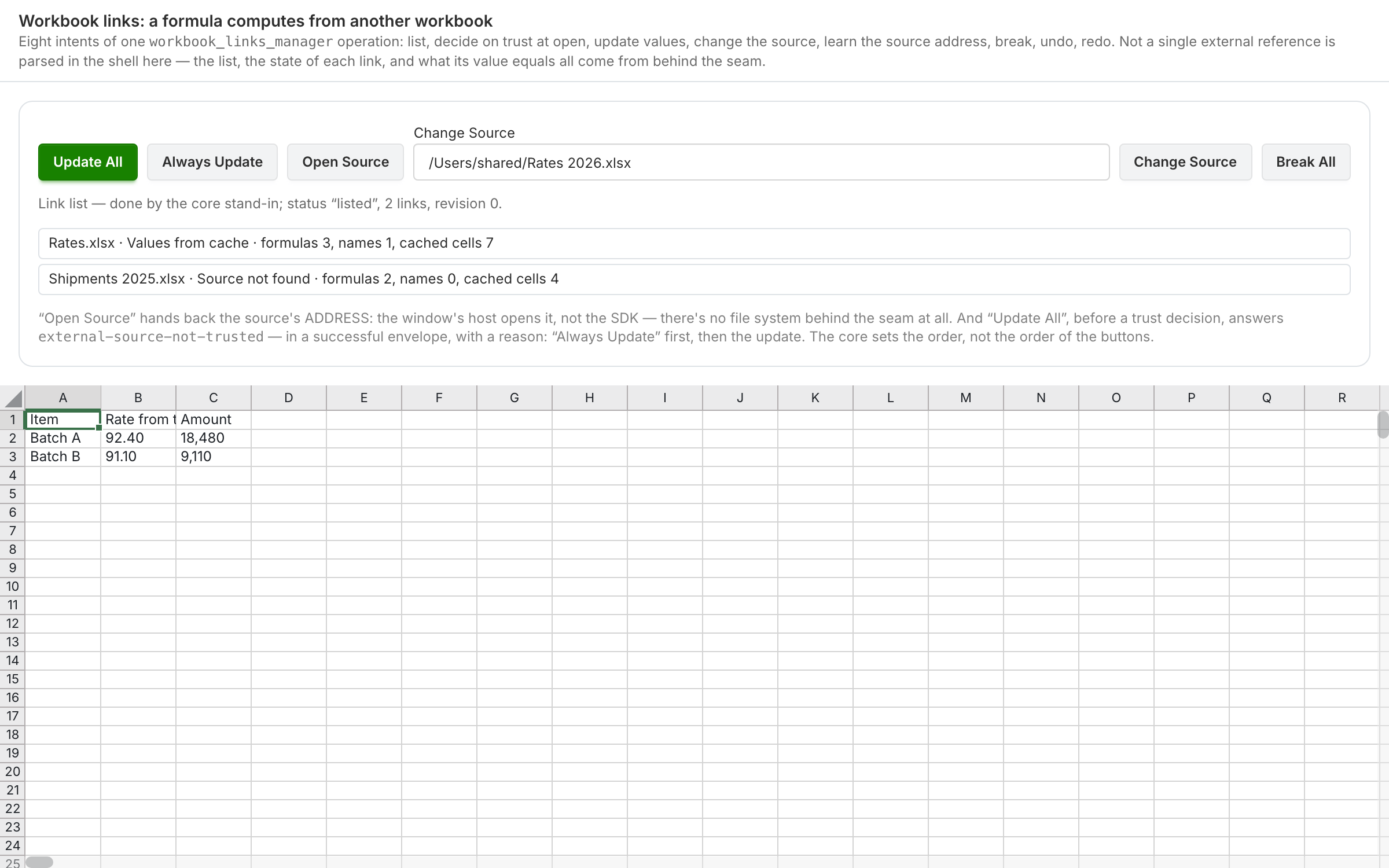 Workbook linksa formula computes from another workbook: the list of links, their state and the source address come from the core, and the window owner opens the workbook
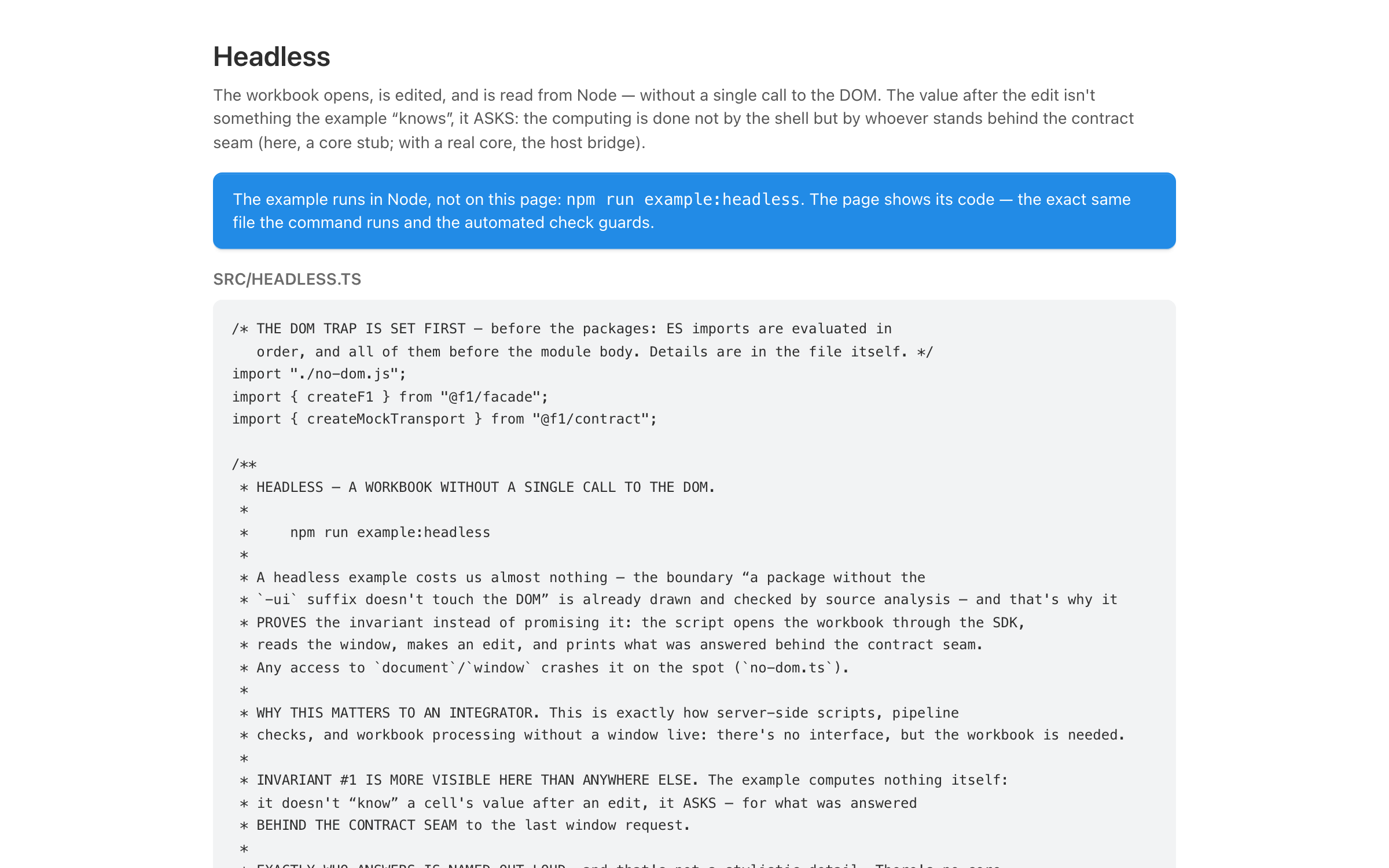 Headlessa workbook is opened, edited and read from Node — without a single call to the DOM
- How the sheet works inside — Architecture.
- What you can call today — the Compute Contract reference.