

SumOffice is an independent office platform that embeds into your product, under its name and inside its perimeter. SumDoc works with Word documents, SumSheet with Excel spreadsheets; the platform is not tied to Microsoft — how to move away from it without losing files.
Verified against the code and the delivery
How this is proven
Section titled “How this is proven”Every number is taken from installed builds and checked against the source code and the delivery on every site release. If even one diverges, the site is not published.
Live editors · no install
Try it right here
Section titled “Try it right here”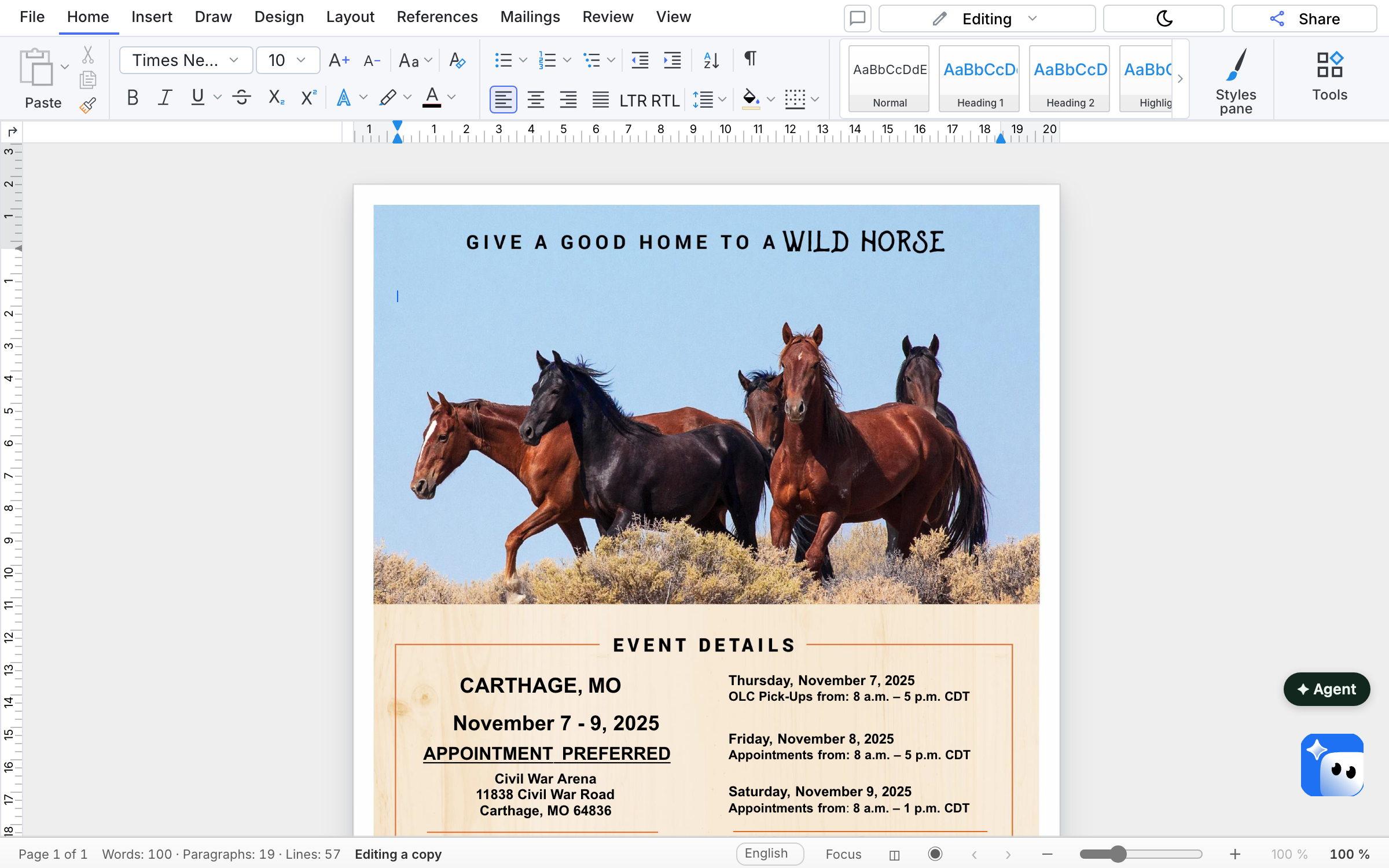 SumDoc · DOCXA document in SumDocA two-page contract. Edit a paragraph and see what it looks like inside a third-party application.Open the live editor
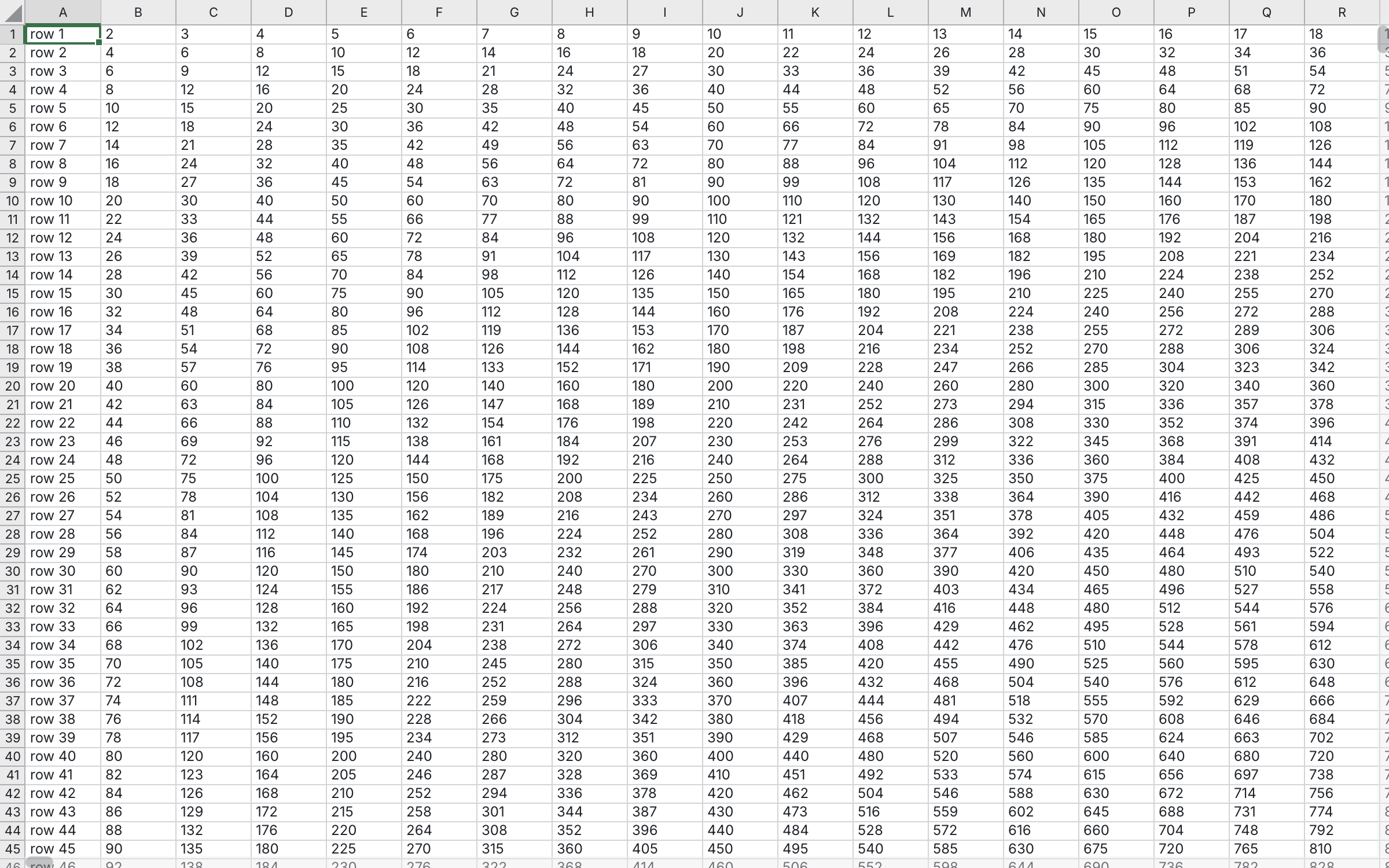 SumSheet · XLSXAn estimate in SumSheetA spreadsheet with formulas. Change a quantity or a price — the totals recalculate on their own.Open the live spreadsheet
Two products · one embedding model
Two engines, one embedding model
Section titled “Two engines, one embedding model”The third engine—for presentations—is in development: a public beta is planned for December 2026; it cannot be downloaded yet, and PPTX compatibility, platforms, and speed are not promised.
Three paths · step by step
Where to start
Section titled “Where to start”The buttons at the top of the page serve builds for macOS, Windows and Linux — for your system and architecture. Windows and macOS come in both, x64 and arm64. What to do after downloading — install SumDoc and install SumSheet. If you would rather not figure it out — hand the task to Claude.
Twenty-four projects · file by file
Code examples
Section titled “Code examples”- Live SumDoc example: the editor in the browsera working document editor right on the page, and the whole project that connects it
- Minimal sheethow many lines it takes to get a working sheet
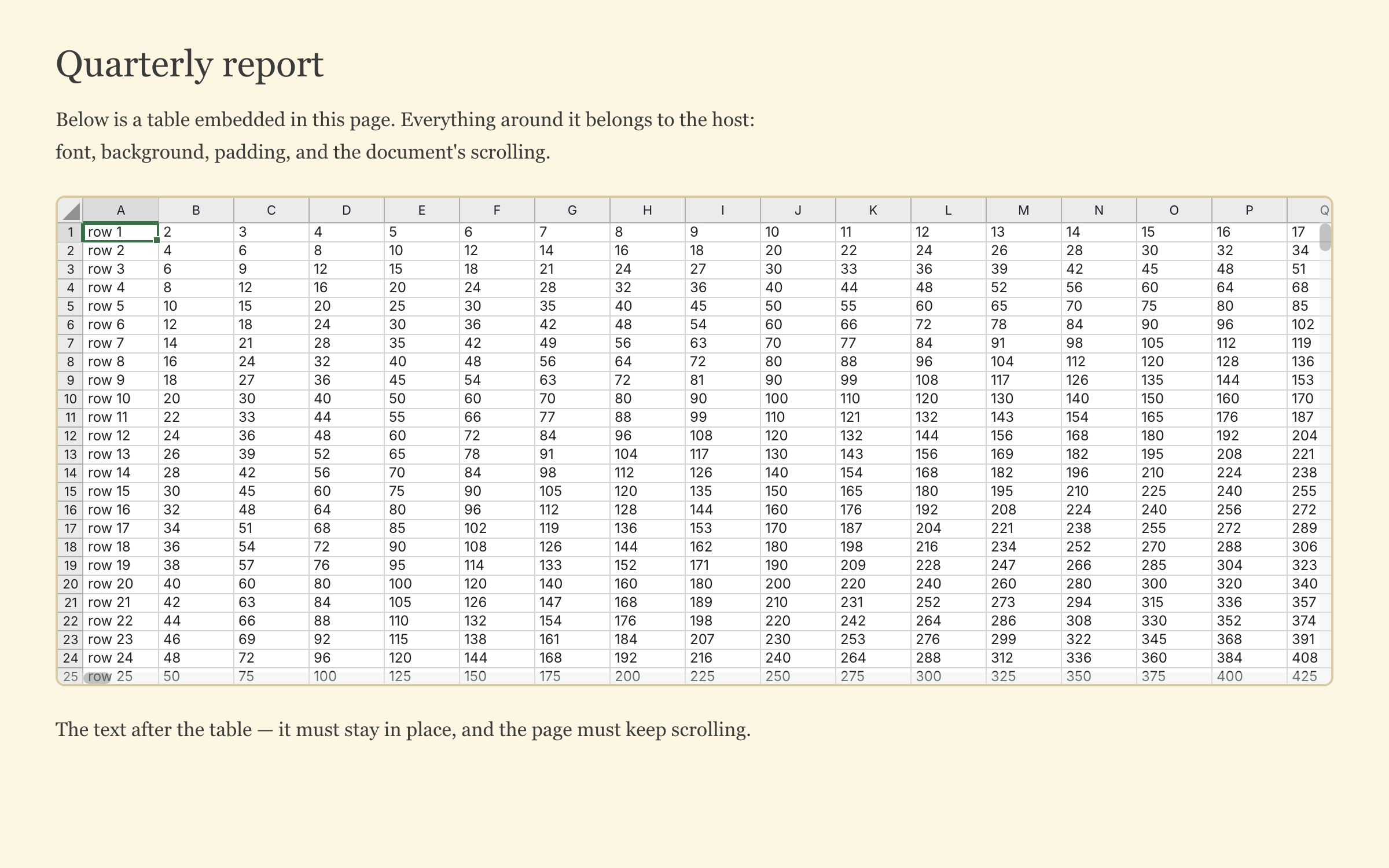 Embedding into a third-party pagewhat happens to the host page around the sheet: its font, background and scrolling
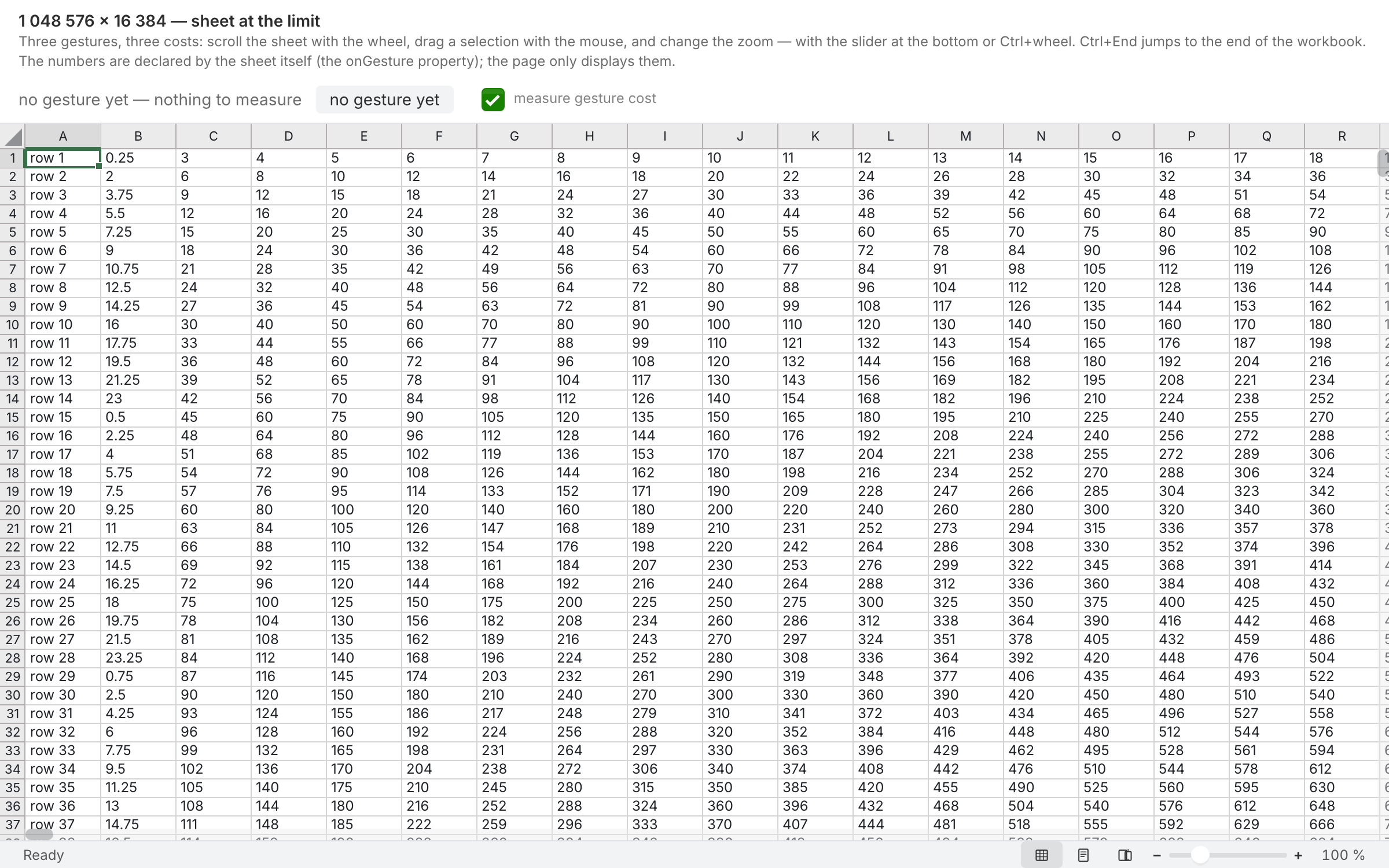 A million rowsthe cost of three gestures on a workbook at the limit — scrolling, fill-dragging and zooming: p50 and p95 frame times and calls to the core as numbers, not promises
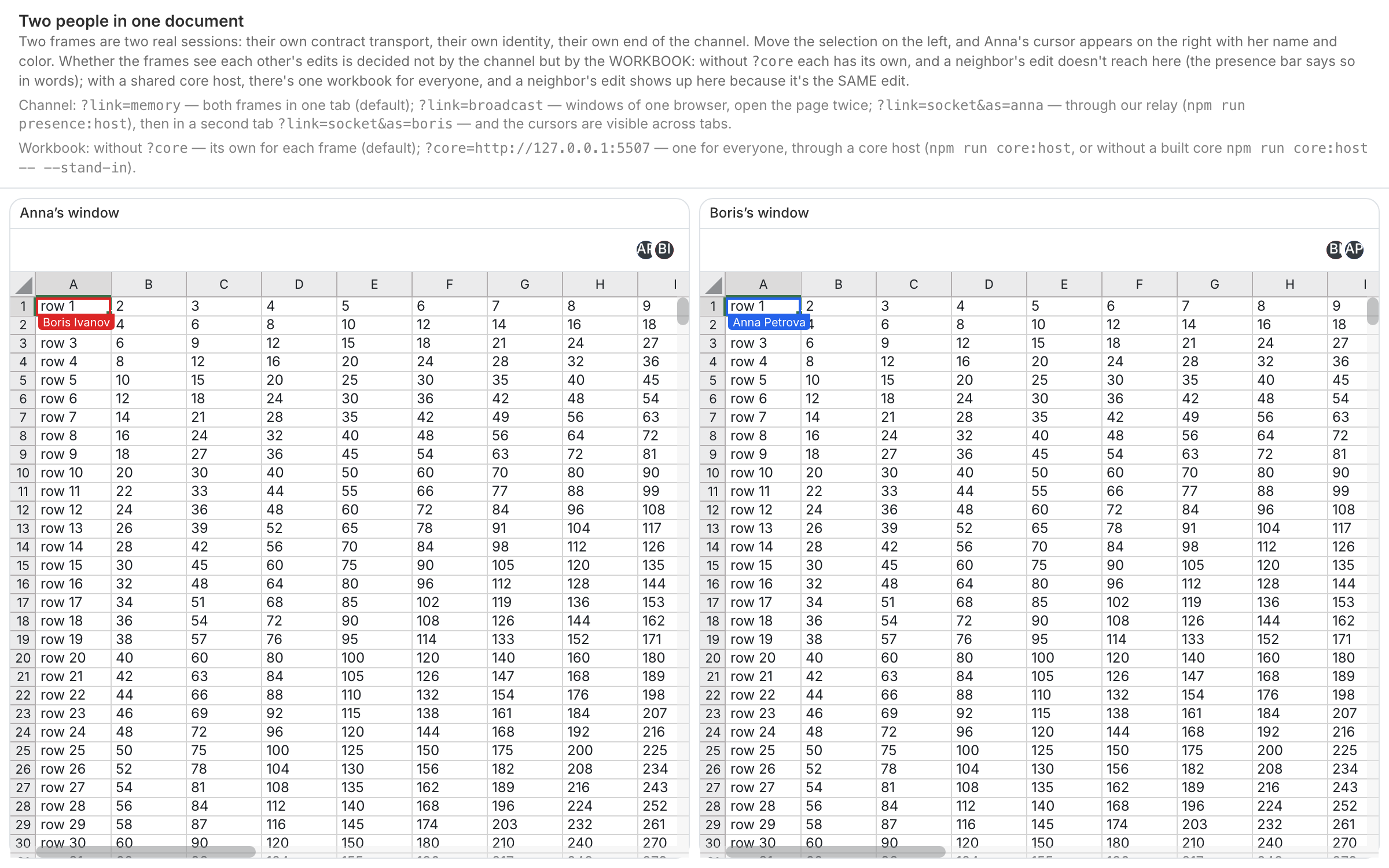 Two people in one documenttwo frames side by side: move the selection in one and the other shows the remote cursor with a name; the screen says plainly that only windows of this browser are visible
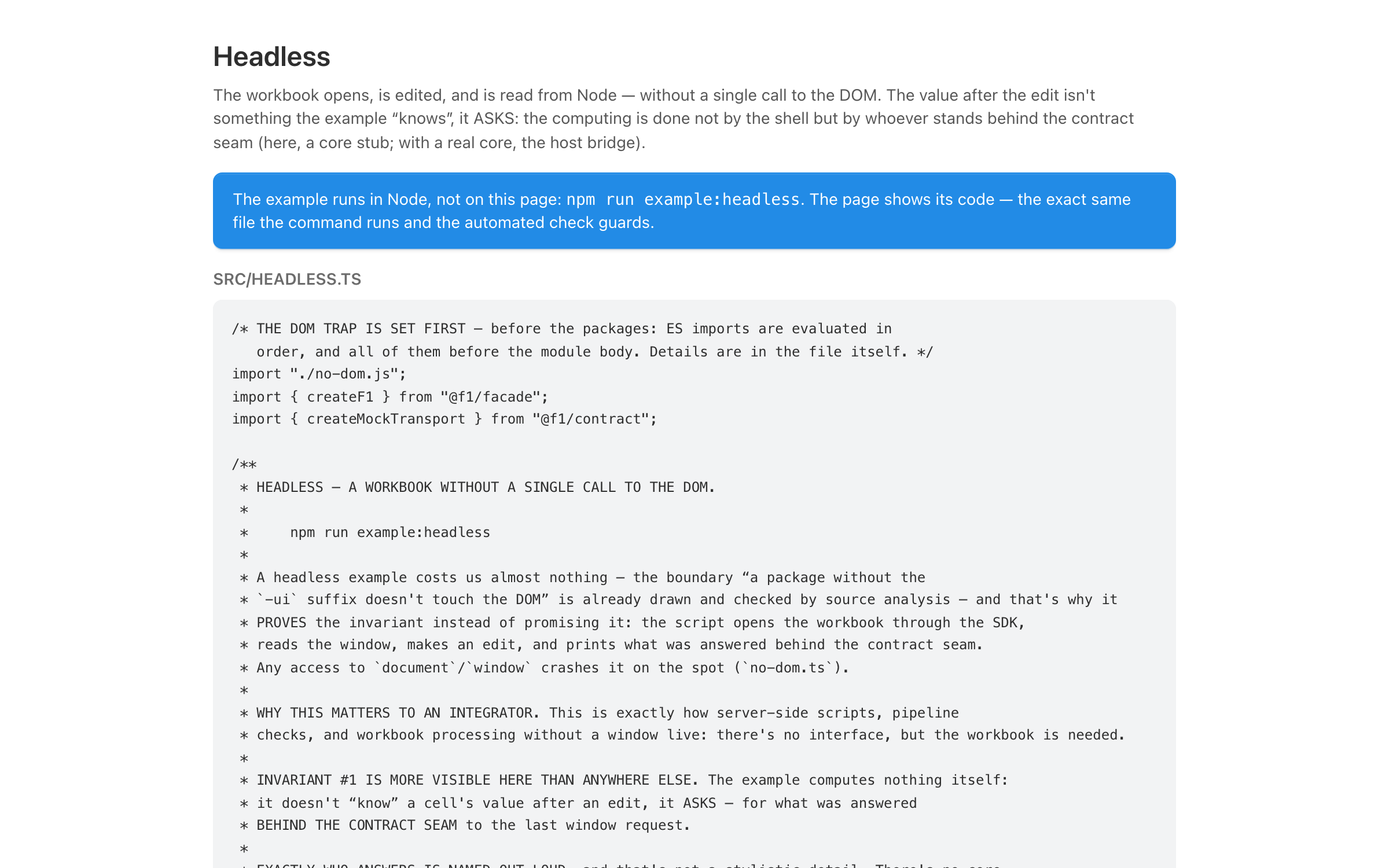 Headlessa workbook is opened, edited and read from Node — without a single call to the DOM
All SumSheet examplesSumDoc examples